Profiles and Settings
Clip profiles
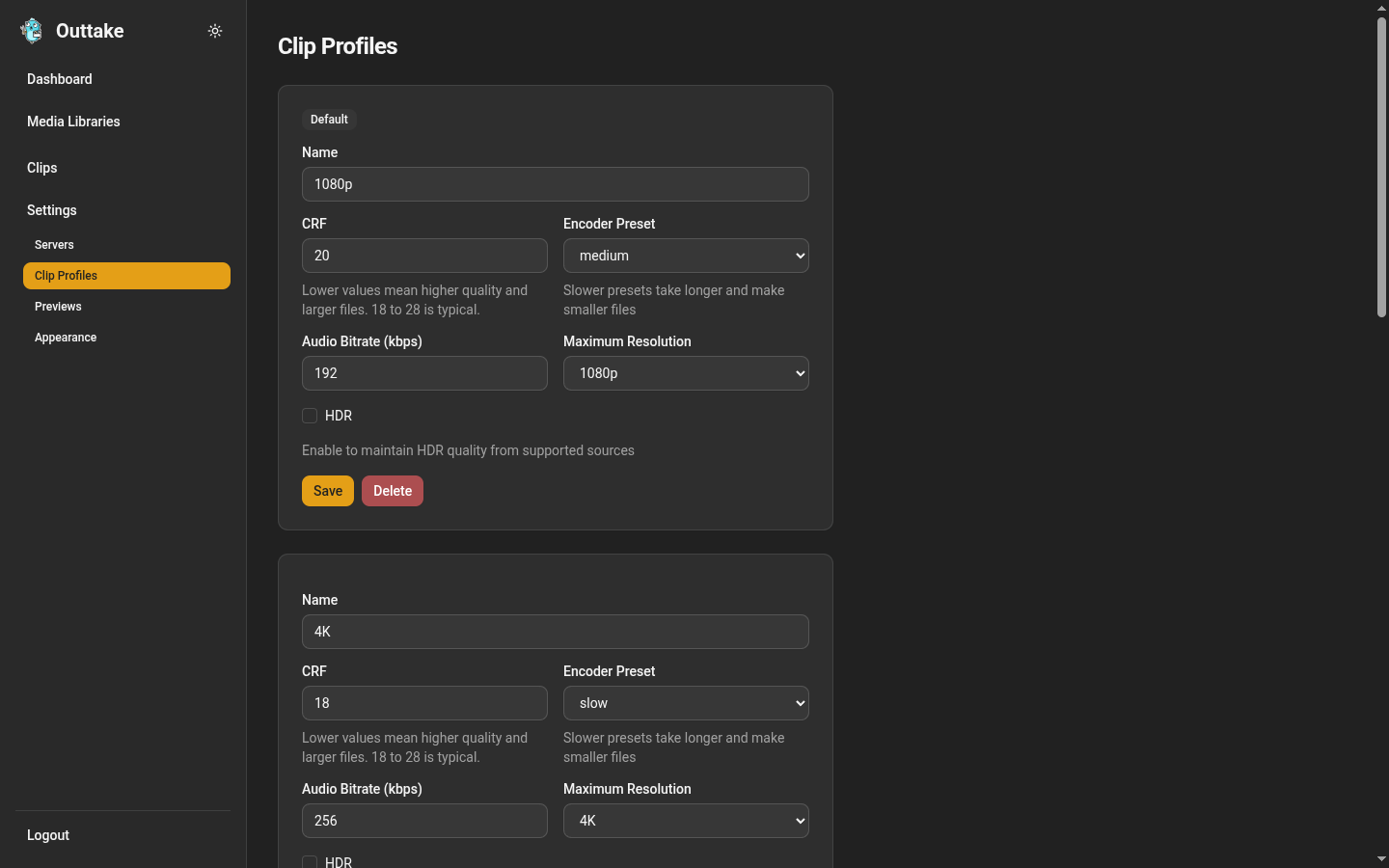
A profile is a named set of encoding settings. Every export picks one under Profile, and Settings → Clip Profiles lists them.
| Setting | What it does |
|---|---|
| CRF | Quality, from 0 to 51. Lower values mean higher quality and larger files, and 18 to 28 is typical |
| Encoder Preset | How hard the encoder works. Slower presets take longer and make smaller files at the same quality |
| Audio Bitrate (kbps) | Bitrate of the AAC audio, from 64 to 640 |
| Maximum Resolution | 720p, 1080p, 1440p, or 4K. A smaller source keeps its own size |
| HDR | Whether a video clip from an HDR source keeps HDR. See HDR and Playback |
Outtake starts with four profiles, named after what they produce:
| Profile | Maximum resolution | CRF | Preset | Audio | HDR |
|---|---|---|---|---|---|
| 720p | 720p | 21 | medium | 160 kbps | off |
| 1080p (default) | 1080p | 20 | medium | 192 kbps | off |
| 4K | 4K | 18 | slow | 256 kbps | off |
| 4K HDR | 4K | 18 | slow | 256 kbps | on |
They are ordinary profiles: edit, rename, or delete them like your own. Make Default chooses the profile new exports start with. To add one, fill in New Profile at the bottom and choose Add Profile, checking Set as default to make it the default straight away. Deleting the default makes another profile the default, and the last profile cannot be deleted.
A clip takes its profile’s settings each time it renders. Changing a profile leaves finished clips as they are until you regenerate them.
Previews
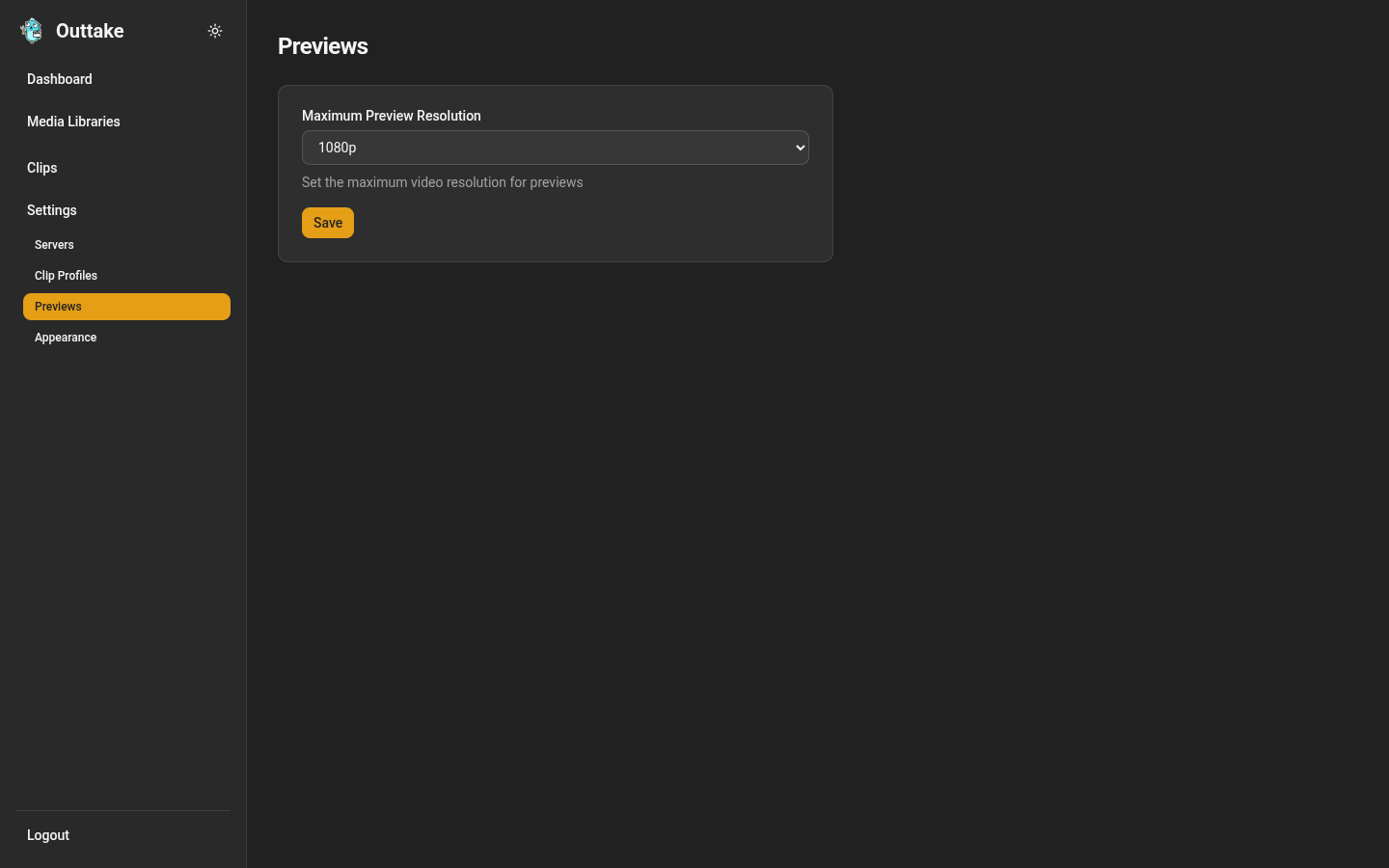
Settings → Previews sets the Maximum Preview Resolution: 720p, 1080p (the default), or 4K. It caps every preview Outtake renders, both the previews on the export form and the SDR versions of HDR clips, and a smaller source keeps its own size. A lower cap renders previews faster. The change applies to previews rendered after you save it.
Appearance
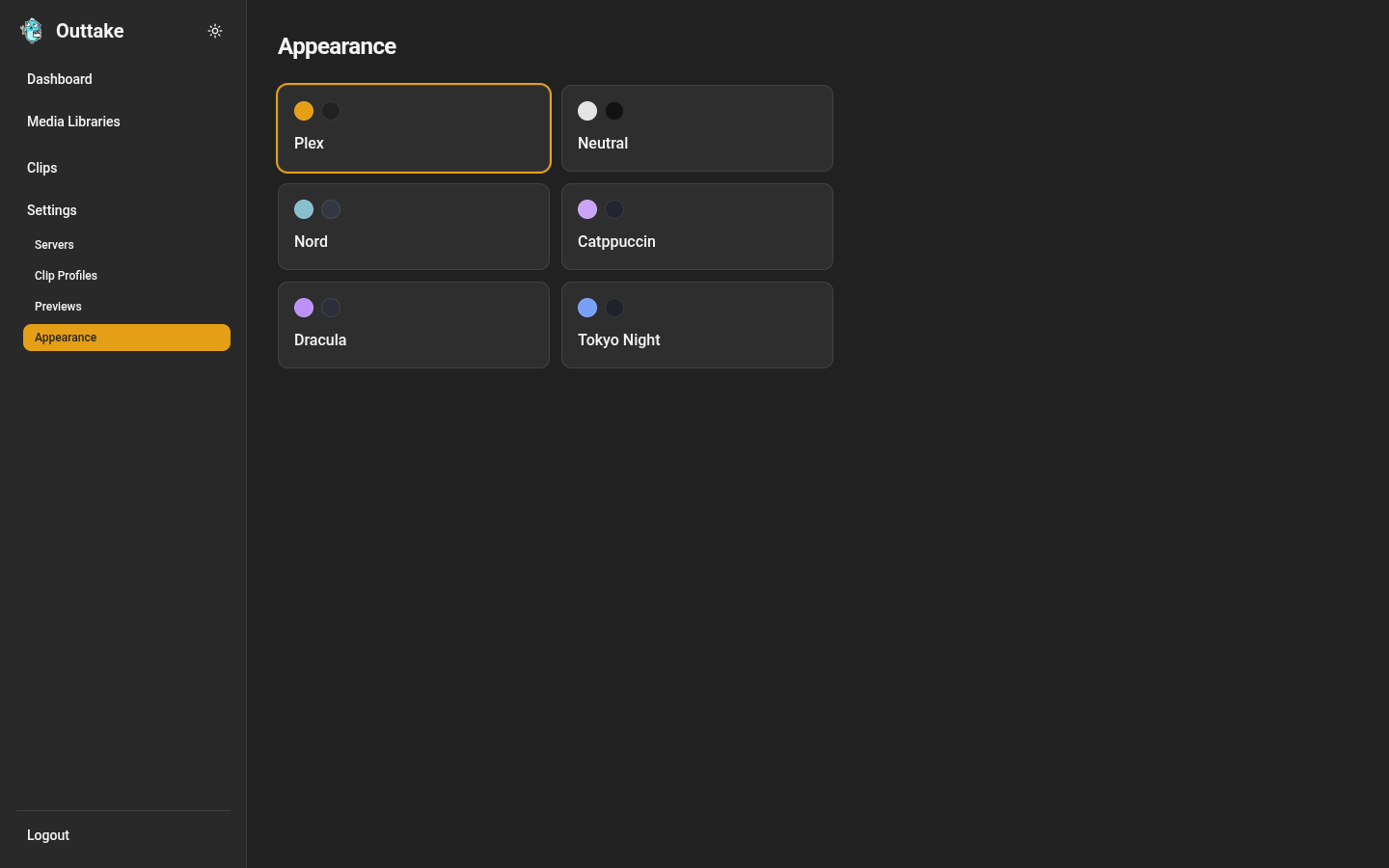
Settings → Appearance chooses the color palette: Plex (the default), Neutral, Nord, Catppuccin, Dracula, or Tokyo Night. The button beside the Outtake name in the sidebar switches between light and dark. Both choices are kept in your browser.